



Video content at an exhibition stand works as a tool for the first contact with visitors: it attracts attention, helps quickly explain product value, and improves brand recall. Its effectiveness depends not on the number of screens, but on the usage scenario and how well the content matches the goals of participation in the exhibition.
Below are practical recommendations that help use video content at a stand without overloading attention and with measurable results.
1. Define the role of video content before stand construction begins
At the stand design stage, define what task each screen solves: attracting traffic, presenting cases, explaining a complex product, supporting negotiations, or demonstrating expertise. If the role is not defined, video content usually becomes background that does not support conversion.
- For the traffic zone: short, dynamic videos that attract attention.
- For the meeting area: calm presentation videos with facts and figures.
- For the demo zone: content that complements the live product demonstration.
2. Prepare content in the format of 5 to 15 seconds per key message
An exhibition visitor decides whether to interact with a stand within seconds. That is why exhibition video content should be built around short semantic blocks: customer problem, solution, result, and call to action. Long narrative videos are better reserved for personal presentation by a manager.
A modular video structure works best: separate fragments can be combined for different exhibition days, audiences, and stages of visitor communication.
3. Align the video with the stand identity
Screens at an exhibition stand should be part of a unified visual system. Inconsistent graphics, random fonts, and off-brand color accents reduce professional perception. Video content should be checked against the brand book and stand design concept before production starts.
- Follow the corporate color palette and typography.
- Use one infographic style across all videos.
- Check text readability from a working distance of 2 to 5 meters.
4. Consider the technical parameters of the venue
Effective use of video content at a stand is impossible without technical checks. Before opening, test resolution, brightness, color rendering, and sound in the real pavilion environment. It is especially important to check content under exhibition lighting: what looks correct in a studio may lose contrast and detail on site.
A basic checklist includes:
- Matching video resolution to screen parameters.
- No flickering or artifacts during playback.
- A backup player and copies of the files.
- Volume level checked against organizer regulations.
5. Separate content by funnel stage
For video content at an exhibition stand to generate leads, it should be linked to the stages of communication:
- Initial contact: a short video with a clear value proposition.
- Deeper interest: cases, advantages, and process demonstrations.
- Preparation for dialogue: specific cooperation terms and a call to action to contact a manager.
This approach helps managers work within a single scenario and improves lead quality.
6. Use metrics to evaluate effectiveness
After the exhibition, analyze not only total visitor traffic but also the impact of video on business results. Useful indicators include time spent near screens, number of conversations after watching a video, share of qualified inquiries, and frequency of requests for products shown in the video.
These data points help adjust scenarios, video length, and screen placement for the next event.
Summary. Well-prepared video content for an exhibition helps attract visitors to the stand, increase engagement, and strengthen the commercial effect of participation. The key principle is to design content as part of the overall stand strategy, not as a separate decorative element.
Learn more:
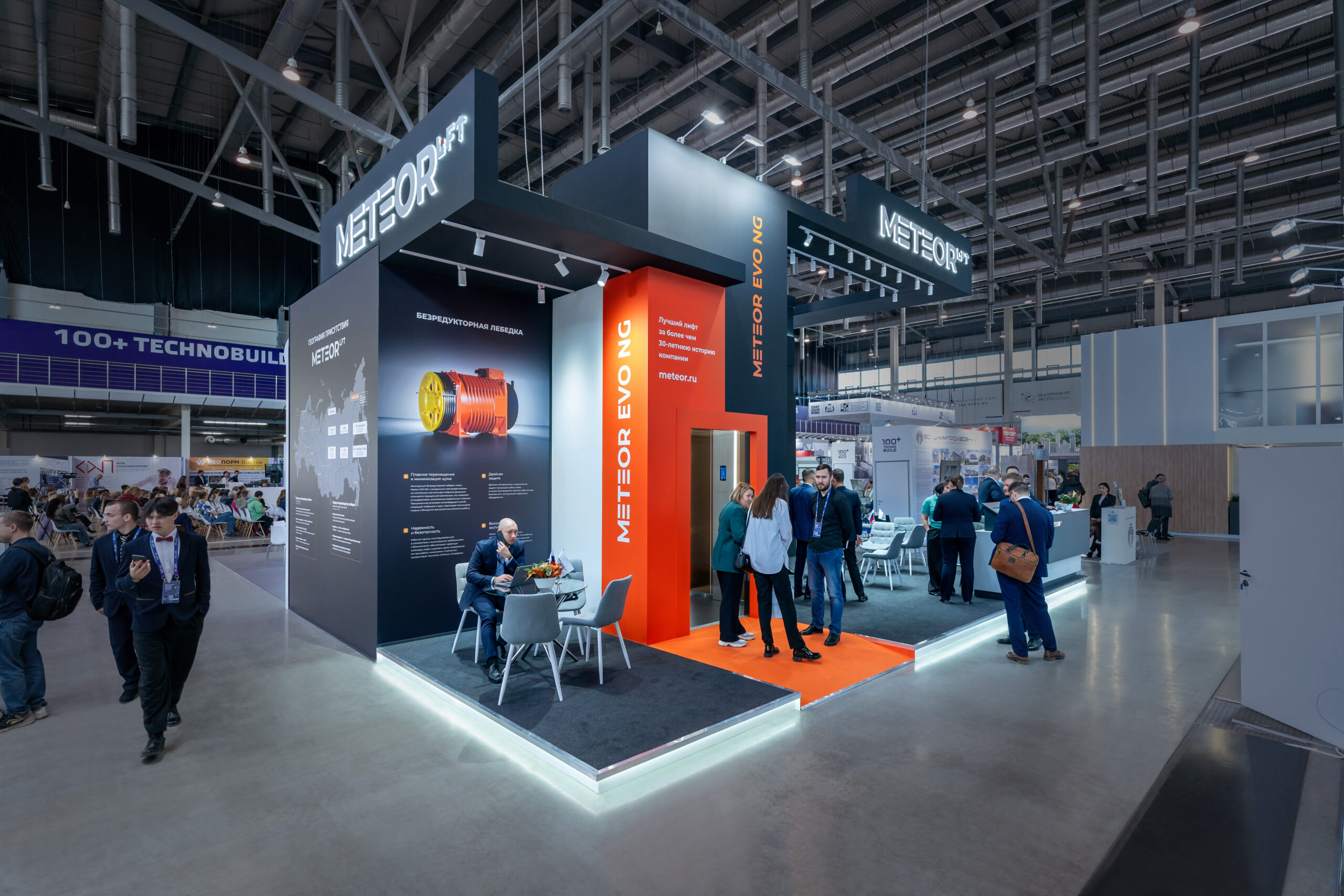

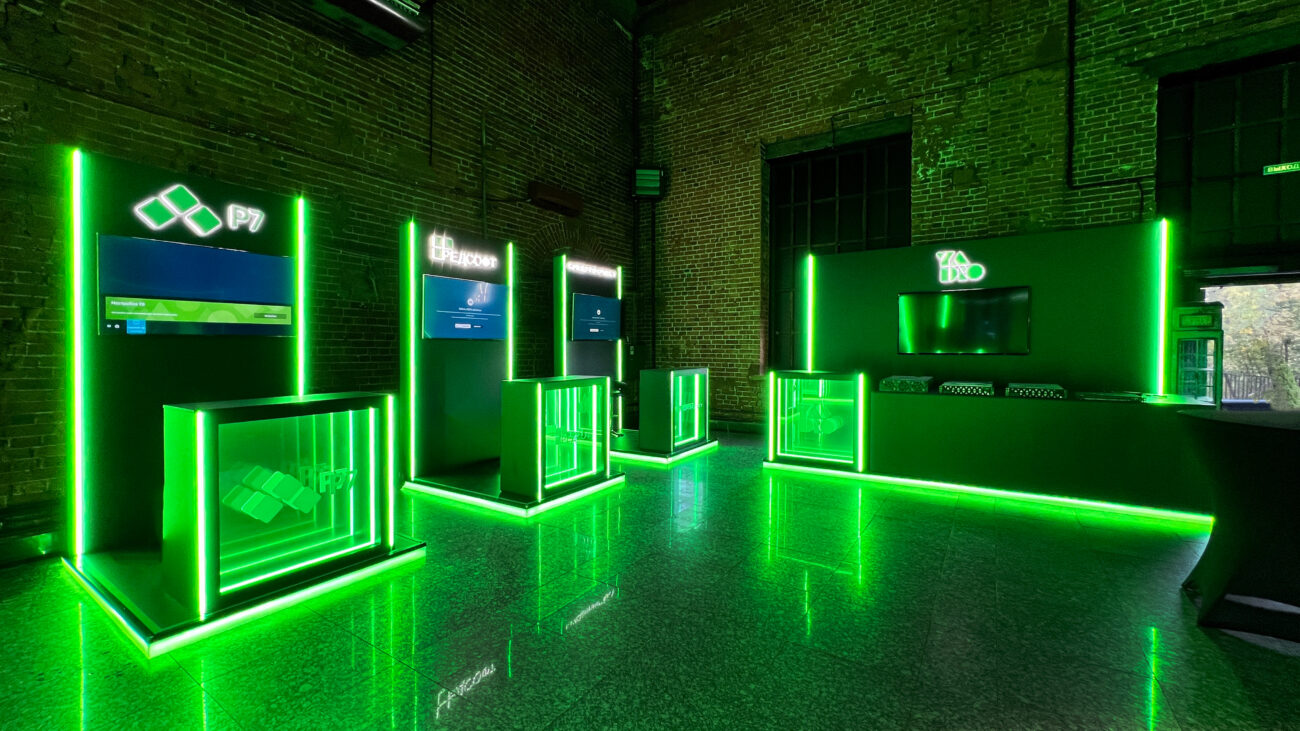
To ensure everything goes smoothly, it's important to understand how the entire work cycle works. W...
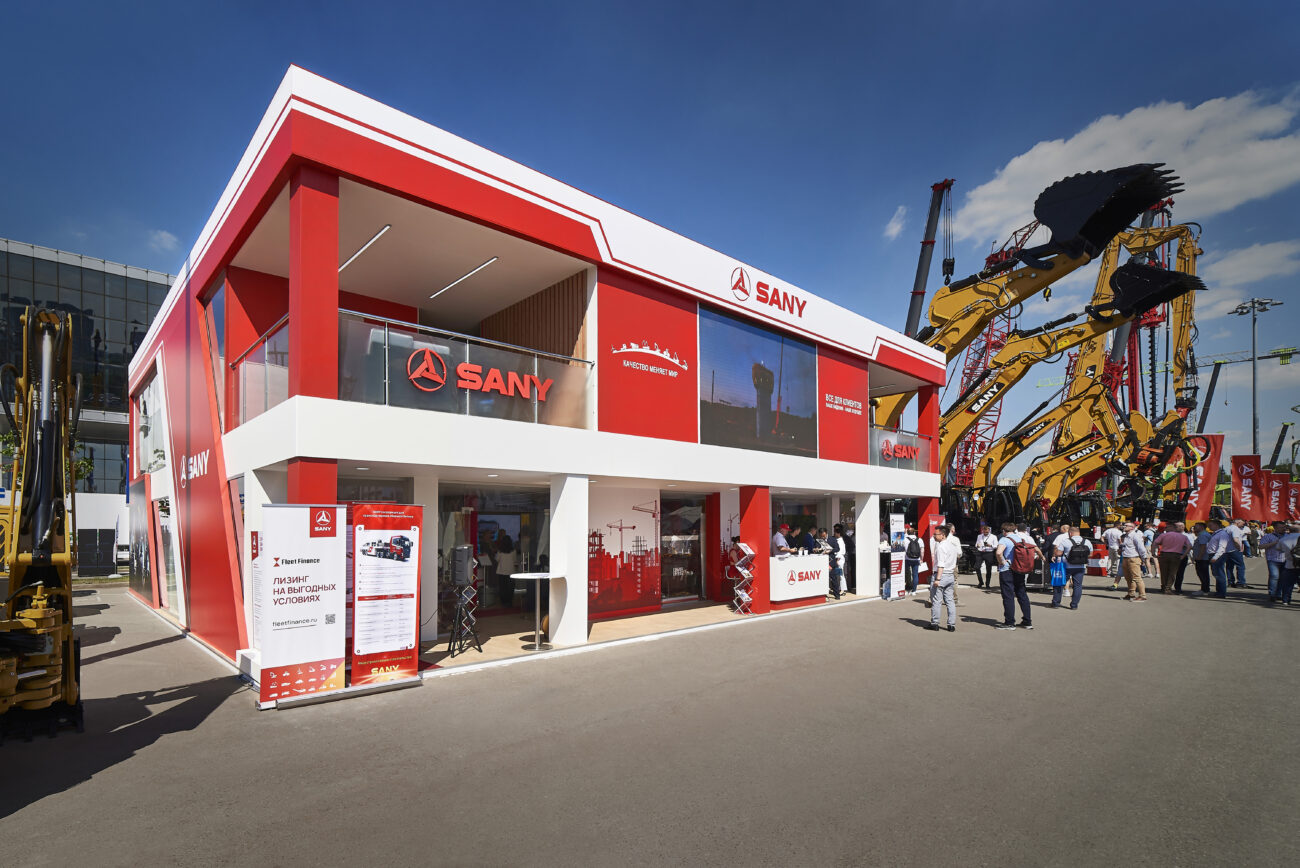
Explore Insight Expo's impressive contributions to CTT Expo 2024, featuring innovative stand design...
